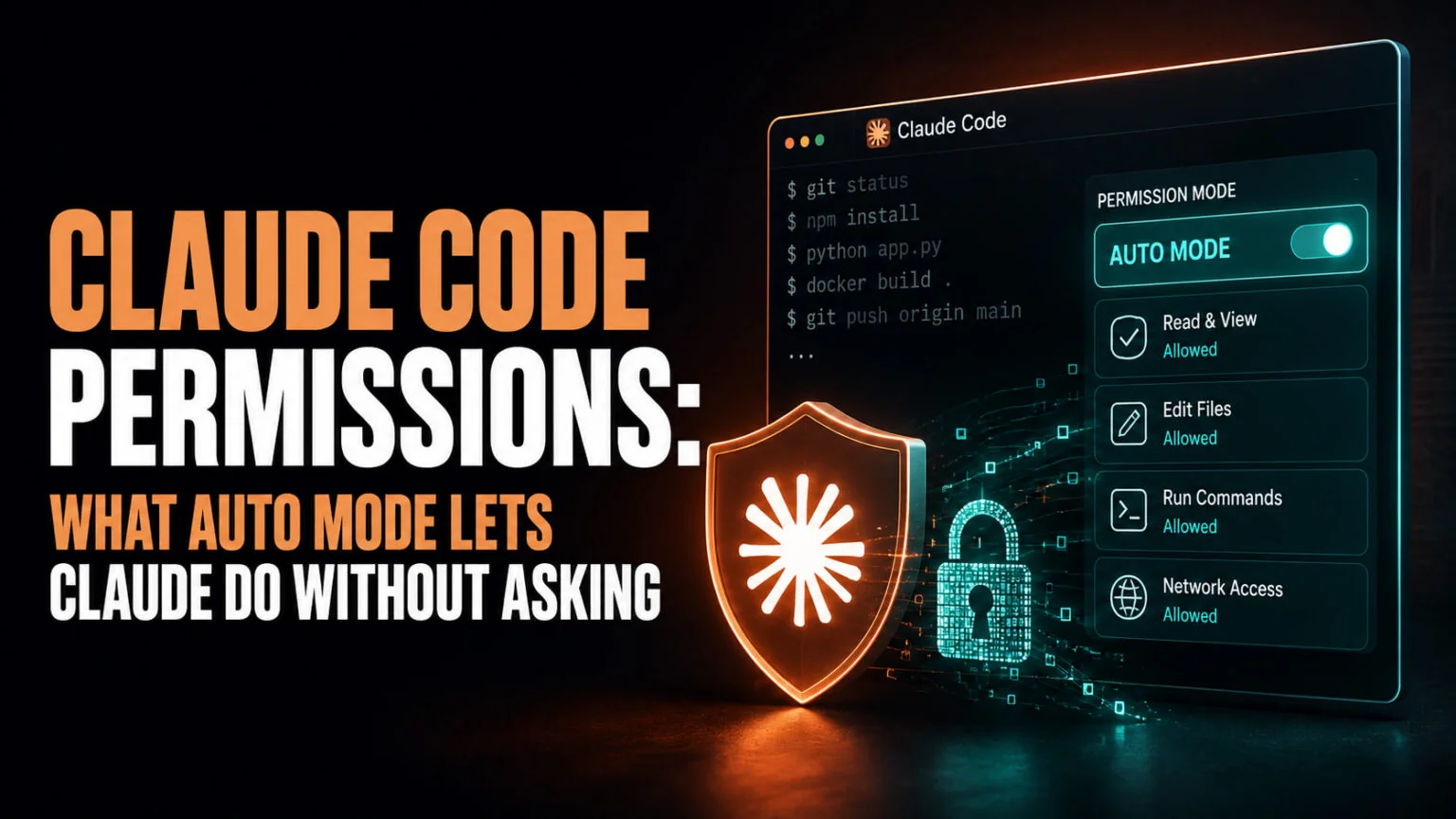
In a controlled study of 1,053 paid testers, Anthropic swapped one permission prompt for a clearly dangerous command and watched who caught it. The humans caught it 13.6% of the time. Claude Code’s auto mode caught 89%. That single pair of numbers is why Claude Code permissions changed on 14 August 2026, and why the tool you used last month now behaves differently.
Auto mode is not new; it shipped in March 2026. What changed is the default. Since 14 August, new sessions on Pro, Max and Team plans start in auto mode instead of stopping to ask you about every command. This guide covers all six permission modes, what each one lets Claude do unasked, whether the new default is safe, what it costs you, and exactly how to change it back.
The Key Takeaways
- Auto mode became the default on 14 August 2026 for Pro, Max and Team. Enterprise and API accounts stay opt-in for now.
- Claude Code has six permission modes, from Manual (reviews everything) to bypassPermissions (checks nothing).
- In Anthropic’s testing, humans caught 13.6% of dangerous commands and auto mode caught 89%. Head to head, auto mode blocked 800 commands a human had approved.
- On Pro, Max and Team the classifier’s token overhead is no longer charged, effective 7 August 2026. On Enterprise and API accounts it still counts against your usage.
- If you already pinned your own default, nothing changed for you. You can switch modes any time with Shift+Tab.
What Changed, and What Did Not
Anthropic announced the change on 7 August 2026 and it took effect a week later. The wording in the announcement is precise, so it is worth reading exactly what it does and does not cover.
“Starting on August 14, new sessions on Pro, Max, and Team plans will run in auto mode. If you’ve already set a different default yourself, you may get a one-time prompt asking whether you want to switch to auto mode. If you have a pinned default, nothing changes for you.”
Three groups are unaffected. If you set your own default mode, you keep it unless you accept a one-time switch prompt. If your Team admin pinned a default in managed settings, yours does not move.
The third group is everyone on Enterprise accounts, the Claude API, Claude Platform on AWS, Amazon Bedrock, Google Cloud’s Agent Platform and Microsoft Foundry. Auto mode stays opt-in there, though Anthropic says it plans to flip those “in the coming month” too.
The feature itself did not change on 14 August. Auto mode has been generally available since March, and on Team and Enterprise it was already available by default. Only the starting mode for new sessions moved.
The Six Claude Code Permission Modes
Permission modes decide how often Claude stops and asks. Every mode sets a baseline, and permission rules you write in your settings files layer on top of it.
| Mode | What runs without asking | Best for | Pick this if |
|---|---|---|---|
Manual (default) | Reads only | Getting started, sensitive work | You want to see every command before it runs, and you accept the interruptions |
| acceptEdits | Reads, file edits, and common filesystem commands like mkdir, touch, mv, cp | Iterating on code you are reviewing | You review changes in git diff afterwards rather than approving them one at a time |
| plan | Reads, plus classifier-approved commands when auto mode is available | Exploring a codebase before changing it | You want a written plan to approve before anything is touched |
| auto | Everything, with background safety checks | Long tasks, reducing prompt fatigue | You trust the general direction and want Claude to run for hours unattended |
| dontAsk | Only pre-approved tools | Locked-down CI and scripts | You are running unattended automation and want anything unlisted denied, not queued |
| bypassPermissions | Everything | Isolated containers and VMs only | You are in a throwaway sandbox and nothing on the machine matters |
Two details on that table are easy to miss. The mode that reviews every action is labelled Manual in the CLI and the desktop app, but its config value is still default, which is what hooks and SDK integrations use. And writes to protected paths are never auto-approved in any mode except bypassPermissions, which covers directories like .git, .vscode, .idea and .claude, plus files like .zshrc, .bashrc and .npmrc.
How the modes cycle
Press Shift+Tab in the CLI to cycle default to acceptEdits to plan. The status bar shows the active mode, so “auto mode on” means the classifier is running and “manual mode on” means you are approving everything by hand.
Not every mode appears in that cycle. Auto mode joins it once your account meets the requirements, bypassPermissions only shows up after you start with the relevant flag, and dontAsk never appears in the cycle at all. You set that one with --permission-mode dontAsk.
Auto Mode, and Why Anthropic Flipped It
Auto mode replaces the permission prompt with a separate classifier model. Before each tool call runs, the classifier reviews it. It blocks anything that escalates beyond what you asked for, targets infrastructure it does not recognise, or looks like it was driven by hostile content Claude read somewhere.
The argument for making it the default is not that the classifier is perfect. It is that the prompt it replaces was not doing the job people assumed it was. Anthropic’s own telemetry says users approve 97% of permission prompts in Claude Code, and reject only 3%. By contrast, when Claude presents a full plan for approval, users reject 39% of them.
That gap is the whole argument. People scrutinise a plan and click through a prompt.
The reflex also gets worse the longer you work. Humans blocked about 17% of dangerous commands early in a session, dropping to about 5% after 50 or more prior prompts. Auto mode’s block rate stayed flat regardless of session length.
The settings files tell the same story. As of June 2026, 49.5% of active CLI users had manually written a Bash allow-rule, and 62% had used bypassPermissions or clicked “don’t ask again” on Bash. A quarter of interactive sessions were already starting in bypass permissions mode, which skips every check.
What the classifier blocks
The default block list is long, but the shape of it is simple. Auto mode is designed to stop things you cannot undo or that reach outside your own environment.
That covers downloading and executing code such as curl | bash, sending sensitive data to external endpoints, and production deploys and migrations. It also blocks mass deletion on cloud storage, granting IAM or repository permissions, force pushes, and irreversibly destroying files that existed before the session started. On the git side it catches git reset --hard, git clean -fd and terraform destroy.
One behaviour is not obvious and worth knowing. Boundaries you state in conversation act as block signals. Tell Claude “don’t push” or “wait until I review before deploying” and the classifier blocks matching actions, even when its default rules would allow them. The boundary holds until you lift it yourself, and Claude deciding the condition was met does not lift it.
The catch is that boundaries are not stored as rules. The classifier re-reads them from the transcript on every check, so a boundary disappears if context compaction removes the message that stated it. For a hard guarantee, write a deny rule instead of saying it out loud.
When auto mode gives up
Auto mode does not block forever in silence. If the classifier blocks an action three times in a row or twenty times across a session, auto mode pauses and Claude Code goes back to prompting you. Approving the prompted action resumes it.
These thresholds are not configurable. Repeated blocks usually mean the classifier is missing context about your infrastructure rather than that Claude is misbehaving.
Is Auto Mode Actually Safe?
Anthropic ran internal red-teaming, third-party red-teaming, prompt-injection evaluations, the 1,053-tester study, and an analysis of real production sessions. On the head-to-head numbers, auto mode blocked 800 dangerous commands that a human had approved, while humans blocked only 6 that auto mode let through.
Real sessions point the same way. Among sessions Anthropic’s safety pipeline had flagged for review between May and June 2026, those that went through manual approval contained serious unintended harm more than twice as often. At production-level severity, 6.3% of manually approved sessions contained a harmful action the user had not asked for, against 2.4% of auto mode sessions.
Then there is the adversarial testing. Anthropic worked with Apollo Research on a two-week pilot, injecting synthetic attacks into real coding trajectories. After hardening, the classifier’s miss rate across the shared and held-out attack sets fell from 12% to 7%.
Read that 7% carefully. Anthropic is explicit that these attacks are synthetic and built to find failures, so it is not the miss rate on real traffic.
The case against
The most useful sceptic here is Simon Willison, who accepts the premise and doubts the conclusion. He agrees confirmation fatigue is real, and that “asking humans to click ‘OK’ every few steps is clearly not going to result in safe behavior”. What he wants is independent confirmation before believing the prompt-injection problem is solved.
His specific worry is the one the benchmarks cannot answer. A malicious package could carry instructions that look legitimate to a classifier reading them in context, and he is “not sure how any version of auto mode could protect against that kind of malfeasance”. Anthropic partly agrees, and still recommends reviewing Claude’s actions yourself for high-stakes changes to production infrastructure.
Anthropic’s own framing is worth quoting because it is more restrained than the headline numbers suggest. Auto mode “reduces permission prompts but does not guarantee safety”, and it is meant for tasks where you trust the general direction, not as a replacement for review on sensitive operations.
One number does deserve a caveat. A third-party evaluation by Trajectory Labs found none of 720 prompt-injection attempts succeeded against Claude models in auto mode, against a 5.83% success rate for GPT-5.6 Sol in Codex Auto-review. Anthropic’s own footnote notes the versions were current as of 17 July 2026 and that OpenAI shipped a new Auto-review since, so treat it as a snapshot rather than a standing result.
Does Auto Mode Cost You More?
This is where Anthropic’s own documentation currently disagrees with itself, so it is worth being precise. The classifier is a second model call, and someone has to pay for those tokens.
| Plan or provider | Default from 14 Aug 2026 | Classifier tokens billed? |
|---|---|---|
| Pro, Max, Team | Auto mode | No, not since 7 August 2026 |
| Enterprise | Manual, opt-in for now | Yes |
| Claude API, AWS, Bedrock, Agent Platform, Foundry | Manual, opt-in for now | Yes |
On Pro, Max and Team the answer is no. Anthropic dropped that charge in the same announcement that moved the default, stating it was “no longer charging Claude Code users on Pro, Max, and Team plans for that classifier overhead, effective today”. On Enterprise plans and any account running through the API, AWS, Bedrock, Google Cloud’s Agent Platform or Microsoft Foundry, the docs are equally clear that classifier calls count toward your token usage.
Reads and edits inside your working directory skip the classifier entirely, so the overhead comes mainly from shell commands and network operations. The classifier also reuses its verdict for a host and port, so repeated connections to the same host do not each trigger a fresh check.
One point of confusion is worth heading off. Anthropic’s help centre for Claude Cowork still says auto mode “consumes more of your usage limit than the other modes”, and that is accurate for Cowork. It is a different product on a different billing path, and it does not describe Claude Code on a Pro, Max or Team plan.
For the wider picture, our guide to Claude usage limits covers how the five-hour and weekly windows actually work.
How to Change Claude Code Permissions Back
If you want the prompts back, you have three options depending on how permanent you want it to be.
- For this session only. Press Shift+Tab in the CLI to cycle modes, or use the mode dropdown in the desktop app, VS Code and JetBrains.
- As your personal default. Set
defaultModein~/.claude/settings.json. To keep reviewing everything, use"permissions": {"defaultMode": "default"}. - For a whole organisation. Admins can pin an org-wide default with
defaultModein managed settings, or remove auto mode entirely withdisableAutoMode, which also rejects--permission-mode autoat startup.
There is one trap that catches people. Claude Code deliberately ignores defaultMode: "auto" in project and local settings files, so putting it in .claude/settings.json or .claude/settings.local.json does nothing. That is intentional, because otherwise a repository you cloned could grant itself auto mode. It has to live in your user settings at ~/.claude/settings.json.
Switching into auto mode also quietly changes your allow rules. Broad rules that grant arbitrary code execution, such as Bash(*) or wildcarded interpreters like Bash(python*), are set aside while auto mode is active, because they would let commands skip the classifier entirely. Narrow rules like Bash(npm test) carry over normally, your settings files are not modified, and everything is restored the moment you switch modes.
Permissions on the Desktop App and Mac
If you use Claude Code through the desktop app or an editor rather than the terminal, the controls are in different places and one of them behaves unexpectedly.
On the desktop app, click the mode indicator at the bottom of the prompt box. In VS Code, click the same indicator or use the extension settings panel, where the labels map to modes as Manual, Edit automatically, Plan, Auto and Bypass permissions. The desktop app’s Manual label does not depend on your CLI version, though in the terminal that label needs Claude Code v2.1.200 or later.
Here is the part that trips up Mac users who live in the editor. VS Code has its own setting, claudeCode.initialPermissionMode, and it does not accept auto. If you want to start in auto mode from VS Code, set defaultMode in your user settings file instead.
There is no way to do it from the extension panel.
Worth saying plainly, because it decides whether any of this applies to you. Claude Code is a command-line tool for people who write software, and permission modes exist because it runs commands on your machine. If you want Claude’s models on your Mac or iPhone without a terminal or a config file, Fello AI gives you Claude alongside ChatGPT, Gemini and Grok in one native app. Nothing it does needs approving.
Conclusion
The honest read is that Anthropic did not make Claude Code less safe on 14 August. It replaced a safety mechanism that people had stopped using properly with one that does not get tired, and the 13.6% versus 89% gap is a fair account of why. The classifier is not perfect, Willison’s objection about malicious packages stands, and Anthropic still tells you to review high-stakes production changes yourself.
So here is the call. If you are working on anything you cannot afford to lose, pin Manual as your default now and turn auto mode on only for long, low-stakes tasks. If you were already clicking through prompts without reading them, auto mode is strictly better than what you were doing.
Either way, set the default deliberately rather than inheriting it. Our breakdown of Claude Code pricing covers which plan gets you enough headroom to run long sessions in the first place.
FAQ
What is the default permission mode in Claude Code?
Since 14 August 2026, new sessions on Pro, Max and Team plans start in auto mode, where a classifier approves actions instead of prompting you. Enterprise accounts and anyone using the Claude API, AWS, Bedrock, Google Cloud’s Agent Platform or Microsoft Foundry still start in Manual mode, with auto mode opt-in for now.
How do I turn off Claude Code auto mode?
Press Shift+Tab in the CLI, or use the mode dropdown in the desktop app, to switch for the current session. To make it permanent, set "permissions": {"defaultMode": "default"} in ~/.claude/settings.json. It has to be your user settings file, because Claude Code ignores that setting in project and local settings.
Does auto mode use more of my usage limit?
Not on Pro, Max or Team. Anthropic stopped charging those plans for the classifier’s token overhead on 7 August 2026. On Enterprise plans and accounts running through the Claude API, AWS, Bedrock, Agent Platform or Microsoft Foundry, classifier calls still count toward your token usage.
Can auto mode still delete my files?
It is designed not to. The classifier blocks irreversible destruction of files that existed before the session, along with git reset --hard, git clean -fd, force pushes and mass cloud deletions. Writes to protected paths like .git and .claude are never auto-approved in any mode except bypassPermissions. Anthropic is clear that this reduces risk without eliminating it, so keep sensitive work in Manual mode.
What happens if the classifier keeps blocking things?
After three blocks in a row or twenty across a session, auto mode pauses and Claude Code starts prompting you again. Approving the prompted action resumes auto mode. These thresholds cannot be changed, and repeated blocks usually mean the classifier lacks context about your infrastructure rather than that something is broken.