Talk to Any AI in Fello AI
Fello AI 6.8.0 adds fast voice dictation, so you can speak your prompts instead of typing them. Tap the microphone, review the transcription, choose any AI model…
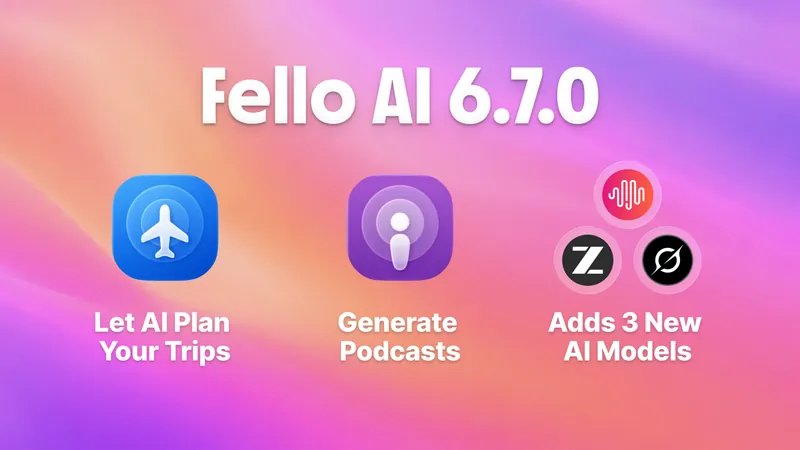
Fello AI 6.7.0: Generate Podcasts, Use GLM-5.2, MiniMax M3, and more
Fello AI 6.7.0 is here, and it makes the app more powerful, more flexible, and easier to use across iPhone, iPad, and Mac. It arrives shortly after our popular…

Projects Are Coming to Fello AI 6.6.0
If you use AI for more than the occasional one-off question, your work has a way of scattering — a draft in one chat, the research for it in another, your notes…
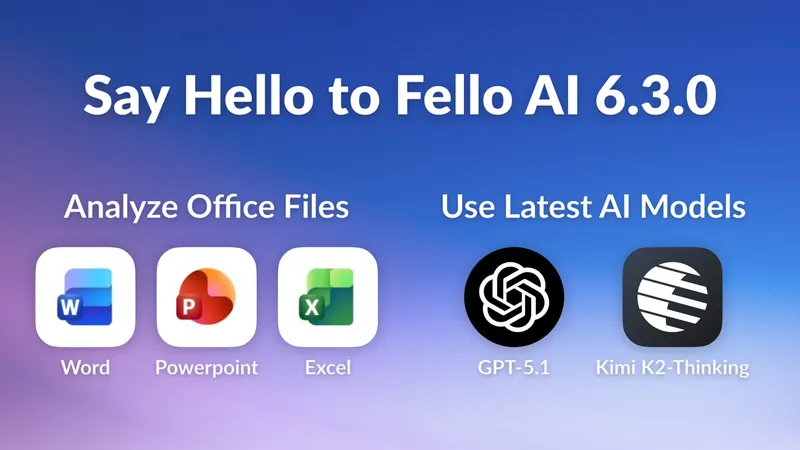
Fello AI 6.3.0: Chat with Word, Excel & Powerpoint Files!
Over the past few months, one request kept coming up again and again: “Can Fello AI analyze my Word, PowerPoint, and Excel files?” I realized that for many people…
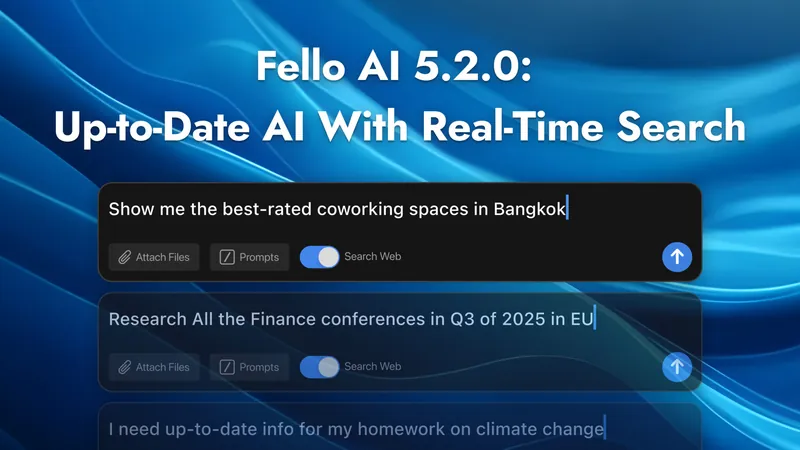
Fello AI 5.2.0: Get Up-to-Date Answers with Real-Time Online Search
AI is only as good as the data it can access. Most AI models, like ChatGPT, Claude, Gemini, and others, have a knowledge cutoff, meaning they can’t keep up with…
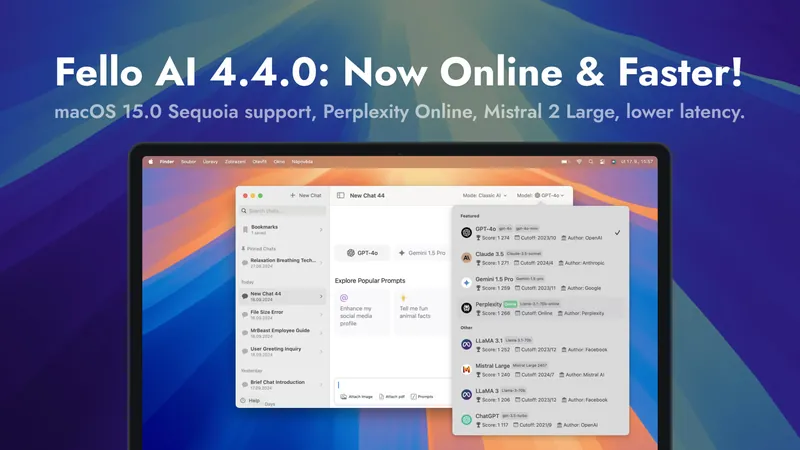
Fello AI 4.4.0: macOS 15.0 Sequoia Support, Perplexity Online, And More
I’m excited to announce Fello AI version 4.4.0, with macOS 15.0 Sequoia optimization, faster response times, and improved model performance. On top of that, you’ll…
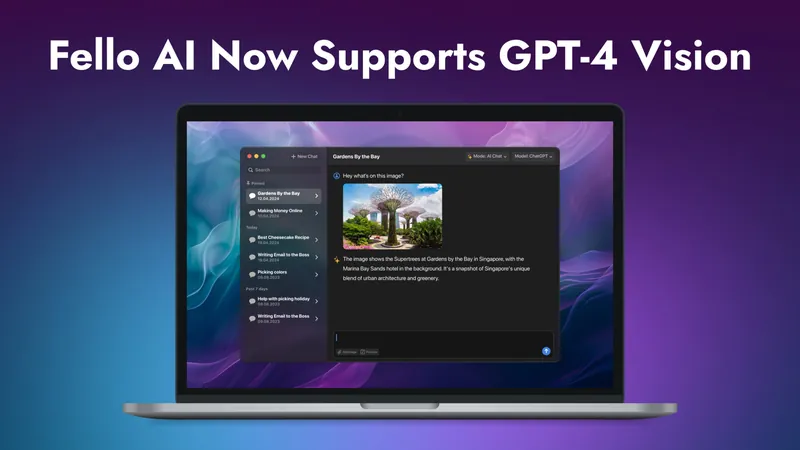
Fello AI Now Supports GPT-4 Vision: Let AI See What You See
I’m excited to share that Fello AI has just rolled out a cool new update! We’ve added GPT-4 Vision which means that now you can add images to your chats and AI…