Typing is not always the easiest way to communicate with AI. Sometimes you are walking, commuting, cooking, or simply have too much context to fit into a quick message.
With Fello AI 6.8.0, you can now speak your prompts instead.
Tap the microphone, say what you need, and Fello AI quickly turns your speech into text. Review or edit the transcription, choose your preferred AI model, and send it when you are ready.
Speak instead of typing
Voice dictation makes it easier to use AI whenever typing feels slow or inconvenient. It is especially useful for longer prompts: you can explain the full situation naturally instead of cutting out important details just to save time.
Each recording can be up to five minutes long, giving you plenty of room for detailed questions, complex instructions, or a complete brain dump.
Talk to any AI model
Voice dictation works with every chat model available in Fello AI. Speak your prompt once, then send it to the model that fits your task—from GPT and Claude to Gemini, Grok, DeepSeek, and more.
You are not limited to a single AI assistant or a separate voice experience. Voice dictation is built directly into Fello AI chat, so your prompt and the model’s answer remain available as text.
When you finish speaking, you can tap “Stop” to review and edit your message before sending it. Or tap “Send” directly for the fastest experience.
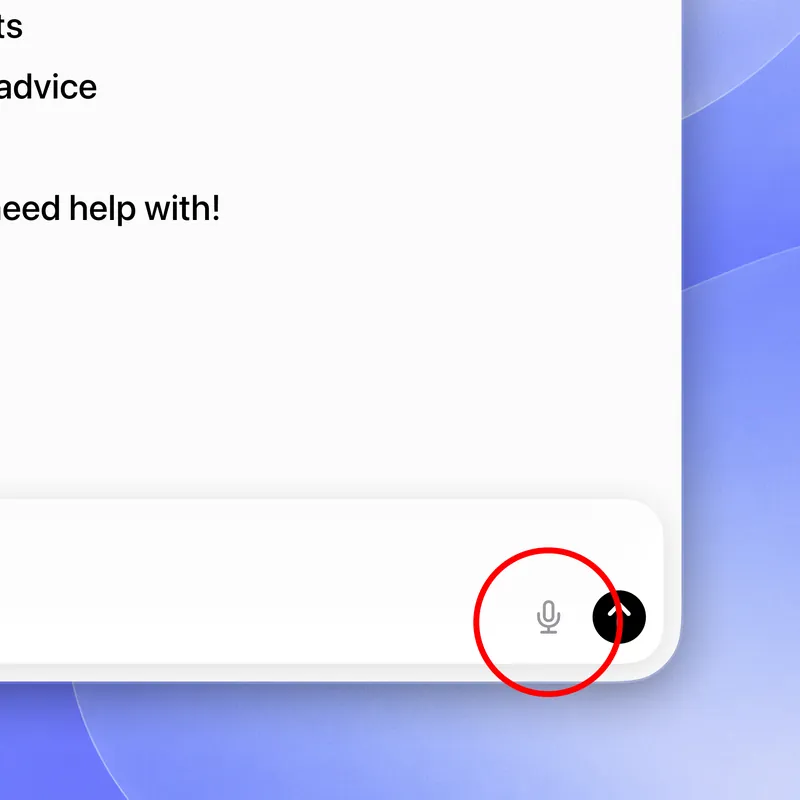
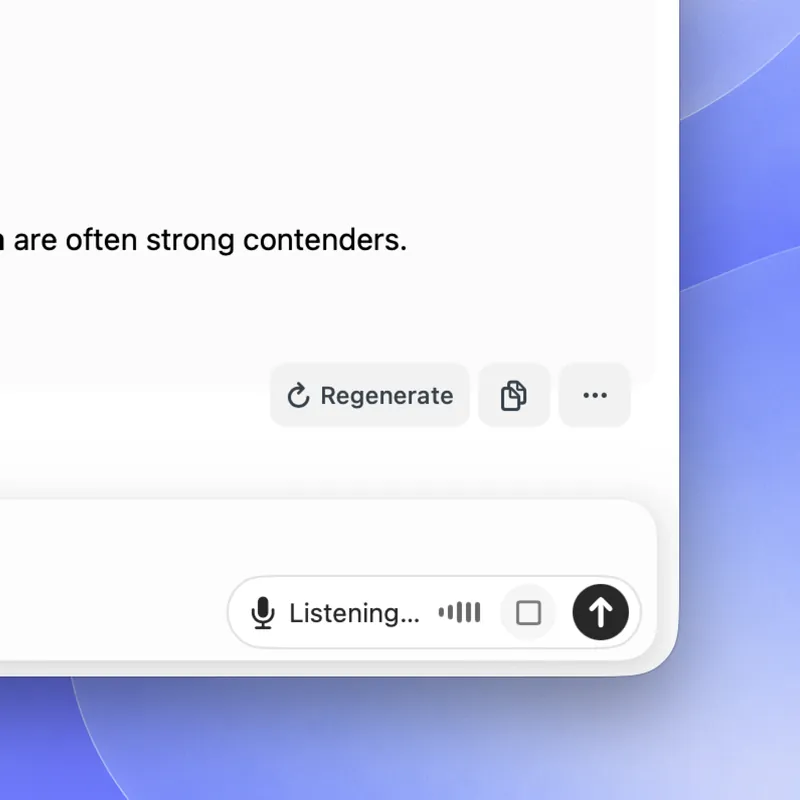
Available in most languages
Fello AI uses OpenAI’s advanced transcription technology to recognize speech quickly and accurately. It automatically detects and transcribes more than 100 languages, including English, German, French, Spanish, Czech, Italian, Portuguese, Polish, Dutch, Japanese, Korean, Chinese, and many more.
Speak naturally in your preferred language. Even if you switch between languages or use specific English terms while speaking another language, Fello AI can recognize and transcribe them correctly. You do not need to change a setting before each recording.
When we love to use voice dictation
Ask questions on the go
Get help while walking, commuting, cooking, or doing anything else that makes typing inconvenient. Just pull out your iPhone and start speaking.
Capture ideas before they disappear
Say an idea as soon as it comes to you, then ask AI to develop it, organize it, or turn it into an actionable plan—even when your hands are dirty from cooking or you do not have time to type every detail.
Explain complex tasks
Let’s be honest: typing on a phone is not always comfortable. Longer messages can become frustrating, with all the typos and corrections along the way. With voice dictation, you can provide more background, nuance, and detail without typing a long prompt on your phone.
Turn a brain dump into something useful
This is my personal favorite. Whenever I have an unstructured idea made up of different pieces of information or insights gathered along the way, I can simply talk through everything on my mind and ask AI to transform it into clear notes, priorities, or a structured document.
Search the web by voice
Ask a current question naturally and let an AI model with web access, such as Perplexity, find the relevant information for you. This is especially useful when you need to quickly check the latest information, nearby events, or news.
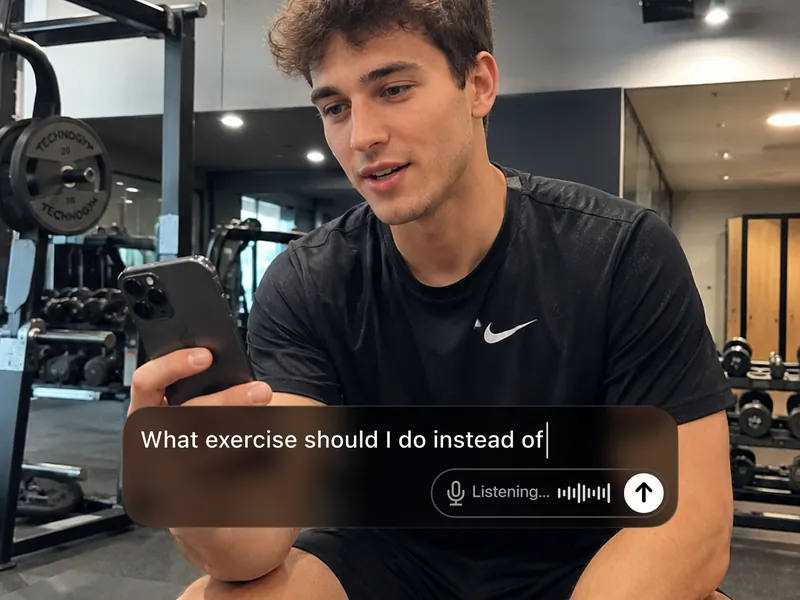
Fast, but still under your control
Voice dictation is different from a continuous voice call with AI. It converts your speech into an editable written prompt.
This means you can see exactly what will be sent, correct anything that was misunderstood, add more context, and choose the right model before submitting it. The response then appears normally in your chat, where it is easy to read, copy, revisit, or continue later.
Available to all subscribers
Voice dictation is available to all Fello AI subscribers in version 6.8.0 on iOS, iPadOS, and Mac. Update the app, open any chat, tap the microphone, and start speaking.
Your ideas move faster than your fingers. Now Fello AI can keep up.