If ChatGPT voice is not working for you, the most likely explanation is not a bug. On July 8, 2026 OpenAI replaced the old Advanced Voice Mode with GPT-Live as the default, a switch covered by TechCrunch at the time. The button is in the same place, but the mode behind it changed, and some features moved with it.
The rest are ordinary causes, which are an out-of-date app, a plan limit you have already spent, or a workspace setting on a business account. Below you get the fixes in the order worth trying, plus the one setting that restores camera and screen sharing if they vanished on you.
The Key Takeaways
- Nothing was removed. Live, Advanced and Standard all sit under Settings > Voice, and you can switch at any time.
- The old regional block is gone. Voice is no longer restricted in the EU, UK, Switzerland, Iceland, Norway or Liechtenstein, so a VPN is no longer needed.
- Lost your camera or screen share? That is Live, which shipped without them. Advanced still has both.
- Free accounts get GPT-Live-1 mini with a daily cap, so voice can simply run out rather than break.
- On business plans, a workspace owner controls whether Voice appears at all.
Why ChatGPT Voice Is Not Working
Voice failures fall into four buckets, and they are worth separating before you start reinstalling anything. The mode changed under you, the app is stale, your allowance is spent, or an administrator has it switched off.
The first one accounts for most complaints since July. People go looking for a feature that is still there, just not where it used to be.
Check the mode before you reinstall anything.
Fix 1: Check Which Voice Mode You Are In
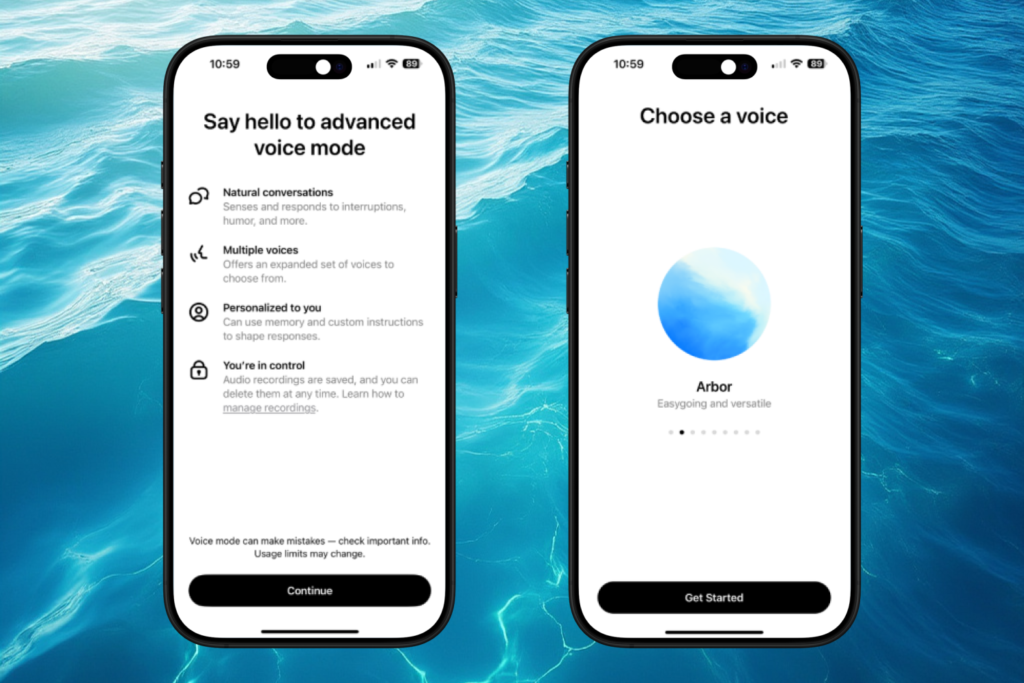
Open Settings, then Voice. OpenAI’s own ChatGPT Voice documentation lists three options, and your account may show all of them.
- Live is the current default, powered by GPT-Live-1 on paid plans and GPT-Live-1 mini on Free. It is full-duplex, so you can talk over it.
- Advanced is the previous real-time mode. Pick this one when you need video or screen sharing.
- Standard transcribes your speech first and then answers, which makes it the most reliable on a weak connection.
If voice feels wrong rather than broken, this is almost always the answer. Our full guide to the three ChatGPT voice modes breaks down what each one can and cannot do, and we covered what GPT-Live actually changed when it launched.

Fix 2: Update the App and Restart It
Live is rolling out gradually, and availability depends on your app version as much as your plan. Update ChatGPT from the App Store or Google Play, then force close it and reopen.
If Live still does not appear, you have not lost anything. Advanced and Standard keep working while the rollout reaches you.
A stale app version is the second most common cause.
Fix 3: Check Your Plan and Your Daily Allowance
Voice is metered, and running out looks a lot like breaking. Usage is measured over a rolling 24-hour window and ChatGPT warns you in the app as you approach the limit.
- Free gets a limited amount of GPT-Live-1 mini each day.
- Go and Plus get about 1 hour of GPT-Live-1 at Instant intelligence, another hour at Medium or High, and 2 hours of the mini model.
- Pro gets the largest consumer allowance, counted in hours.
A single Live conversation also caps at 2 hours regardless of what is left in your daily budget. If you are deciding whether to pay at all, we compare what the free ChatGPT plan includes against the paid tiers.
Fix 4: Region, Workspace and Admin Settings
Availability still depends on region, workspace and app version, so a rollout can reach your friend before it reaches you. What has changed is that this is now a queue rather than a wall.

Business, Enterprise, Edu and Healthcare accounts are the real blocker. Live begins there with a two-week early access period, and a workspace owner must switch on both Advanced voice capabilities and Early Model Access first. Turn Advanced voice capabilities off and Voice disappears from the app completely.
If you are on a work account and voice is simply absent, ask an administrator before you troubleshoot the device.
No amount of reinstalling beats a workspace toggle.
The Old Regional Block Is Gone
This page originally existed to route around a restriction. When Advanced Voice Mode launched in September 2024 it was limited to Plus and Team subscribers, and it was unavailable in the EU, the UK, Switzerland, Iceland, Norway and Liechtenstein.
That block is over. Voice rolled out globally with GPT-Live, free accounts included, so there is nothing left to bypass. A VPN will not grant you an earlier rollout slot, and it can conflict with OpenAI’s terms, so it is no longer advice worth following.
Camera and Screen Sharing Disappeared
This is the single most common real regression, and it is a mode problem rather than a fault. Live launched without video, screen sharing, connected apps or plugins.
Switch to Advanced and both return. In a voice conversation, tap the camera button to share live video, or open the more-options menu and choose Share Screen. Note that this works in the iOS and Android apps rather than on the web.
Custom GPTs are the other place Live does not reach. Voice conversations with a GPT still run on Advanced Voice Mode, using the Shimmer voice.

Voice Stops When You Lock Your Phone
This one is a setting, not a fault. By default a voice conversation ends when you leave the app, which catches people out on long calls.
Turn on Background conversations under Settings > Voice and the chat keeps running while your phone is locked or you are in another app. It still ends if you force close ChatGPT, hit a usage limit or reach the maximum session length.
One exception is worth knowing. If you are sharing your screen in Advanced, the share stops when you lock the screen even with background conversations on.
There is also a Start with Voice toggle that opens straight into a voice conversation, and a separate option to start automatically in CarPlay.
Voice on Mac and iPhone
On iPhone, Voice sits in the message bar and also runs in CarPlay. If you are picking which assistants earn a spot on the home screen, our roundup of the best AI apps for iPhone is a good starting point.
On the Mac, Voice works in the browser and in the desktop app, and the desktop app can go further by letting ChatGPT Voice control your computer through Work or Codex. Our guide to the ChatGPT desktop client for your Mac walks through installing it.
If ChatGPT Voice stays broken and you need something working today, Claude is the closest fallback. Its voice mode is a beta feature on every plan, including Free, and it runs on iOS, Android, Mac, Windows and the web. Our guide to turning on Claude voice mode walks through the steps for each device.
What About Fello AI?
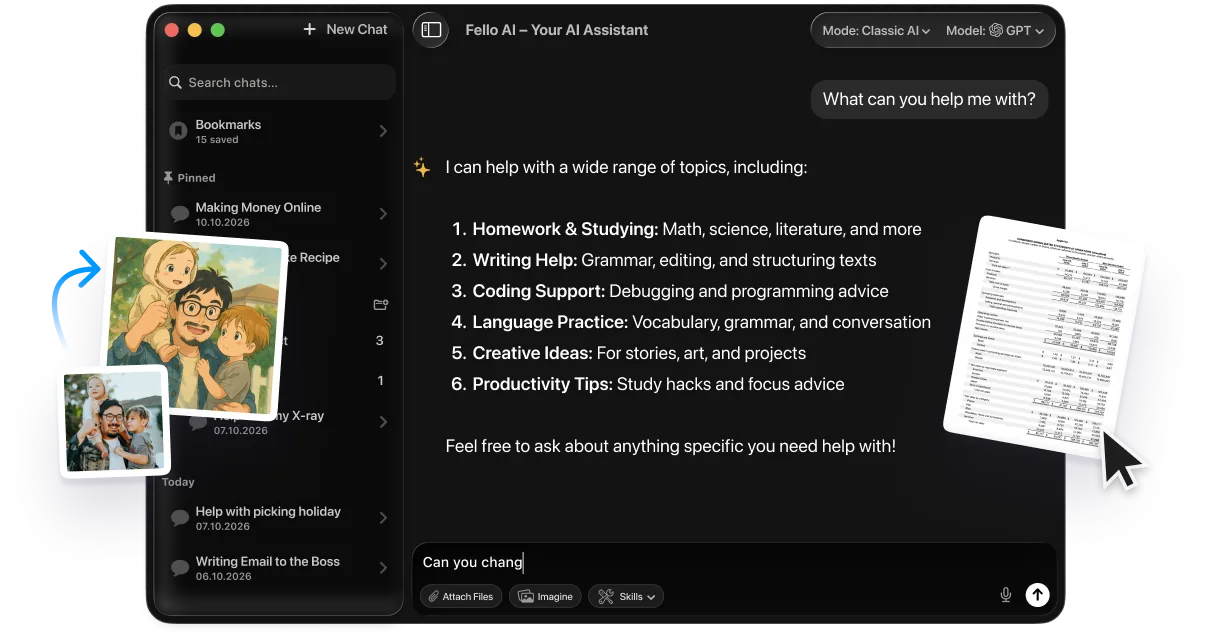
Fello AI is a macOS app that keeps the major models in one window, so a bad day on one provider does not stop your work. It runs leading models from OpenAI, Anthropic and Google side by side, and handles documents, PDFs, images, spreadsheets and presentations in the same chat.
It costs $9.99 a month and holds 4.7 stars across 27,000+ reviews. When one service is throttled or mid-rollout, having the others already open is the practical fix.
Frequently Asked Questions
Why did ChatGPT voice change without warning?
OpenAI made GPT-Live the default voice on July 8, 2026 and rolled it out gradually. Nothing was uninstalled. The mode you were using moved into Settings > Voice, where Live, Advanced and Standard now sit together.
Do I still need a VPN for ChatGPT voice?
No. The 2024 block that kept voice out of the EU, the UK, Switzerland, Iceland, Norway and Liechtenstein is over. Voice rolled out globally, so a VPN no longer buys you anything, and using one can put you on the wrong side of OpenAI’s terms.
Why can I not share my camera or screen any more?
Because you are in Live, which launched without video, screen sharing, connected apps or plugins. Switch to Advanced in Settings > Voice and both come back on iOS and Android. OpenAI says the features are coming to Live, but it has not named a date, so Advanced remains the answer for now.
ChatGPT voice is missing on my work account. Why?
Business, Enterprise, Edu and Healthcare workspaces run on separate rules. Live starts with a two-week early access period, and a workspace owner has to enable both Advanced voice capabilities and Early Model Access before anyone can select it. If Advanced voice capabilities is off, Voice disappears entirely.
How long can a ChatGPT voice conversation last?
A single Live conversation runs up to 2 hours, and your daily allowance is counted separately over a rolling 24-hour window. Free accounts get a limited amount of GPT-Live-1 mini per day, and paid plans get hours rather than minutes.
The Bottom Line
Start with Settings > Voice. In most cases the feature you are missing is one tap away, because the default changed rather than the product.
If that does not do it, update the app, check whether your daily allowance is spent, and on a work account ask whoever owns the workspace. The VPN era of ChatGPT voice is over, and that is the one fix you can safely stop trying.