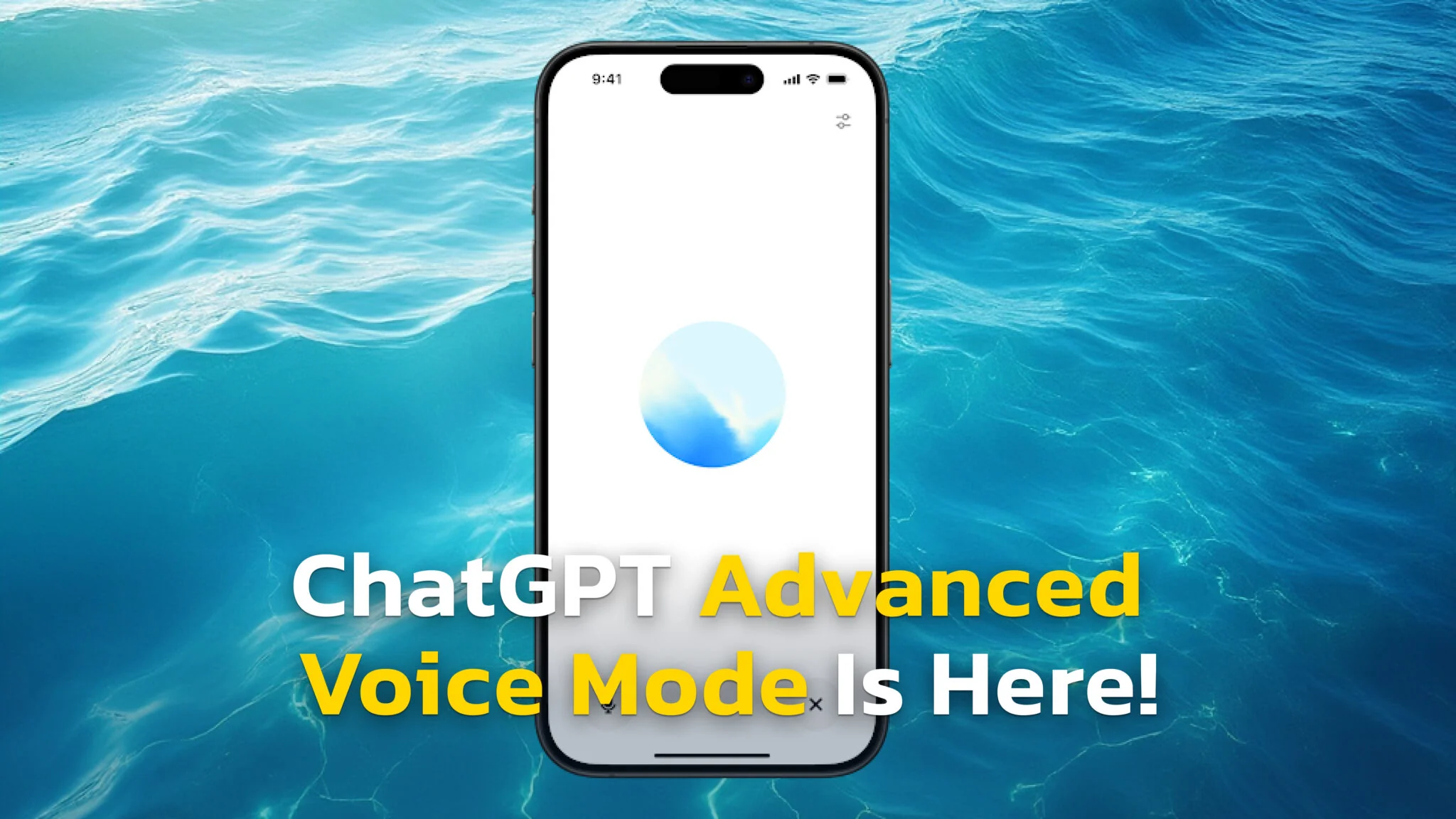
ChatGPT voice mode changed on July 8, 2026, when OpenAI made GPT-Live the default and pushed the old Advanced Voice Mode down into a menu. Voice is now full-duplex, which means it listens and speaks at the same time, so you can interrupt it mid-sentence like a phone call. As TechCrunch reported at launch, more than 150 million people use ChatGPT Voice or Dictation every week, by OpenAI’s own count.
The important part is what did not happen. Advanced Voice Mode was not deleted, and there are now three voice modes sitting in your settings, each good at something different. Below you get what each one does, which plan gets which model, how to switch between them, and the one feature that is still worth going back to Advanced for.
The Key Takeaways
- GPT-Live became the default on July 8, 2026, replacing Advanced Voice Mode as the standard ChatGPT voice experience.
- Advanced Voice Mode was not retired. Live, Advanced and Standard all coexist under Settings > Voice.
- Live has no video or screen sharing, so Advanced is still the only mode that can see your camera or your display.
- Paid plans get GPT-Live-1, free accounts get GPT-Live-1 mini, and a single Live conversation can run up to 2 hours.
- On macOS and Windows, the desktop app lets ChatGPT Voice control your computer through Work or Codex.
What Changed in ChatGPT Voice Mode
Advanced Voice Mode, which launched in 2024, was a real-time voice experience built on discrete turns. It waited for you to stop talking, then answered. It felt fast for its time, but the rhythm was still a walkie-talkie rhythm.
GPT-Live is full-duplex. It processes what you are saying while it is still speaking, and it decides many times a second whether to keep talking, pause, listen or interrupt. That single change is what makes the new mode feel like a call rather than a query. We covered the launch models and the benchmarks in our full GPT-Live breakdown.
The old mode did not go anywhere. It just moved down the menu.
OpenAI ships it in two sizes. GPT-Live-1 is the fuller model that paid plans get, and GPT-Live-1 mini is the lighter one that free accounts default to. Hard questions get handed off to a stronger reasoning model in the background, so the voice stays fast while the thinking happens elsewhere.

The Three ChatGPT Voice Modes Compared
All three modes live under Settings > Voice. OpenAI’s own ChatGPT Voice help page describes them as Live, Advanced and Standard, and lets you switch between whichever ones your account offers.
| Feature | Live | Advanced | Standard |
|---|---|---|---|
| Status | Default since July 8, 2026 | Previous real-time mode | Original turn-by-turn mode |
| Model | GPT-Live-1 (paid), GPT-Live-1 mini (Free) | Advanced Voice Mode | Speech-to-text, then a text reply |
| Talk over it | Yes, full-duplex | Turn-based | Turn-based |
| Video and screen sharing | No | Yes, iOS and Android | No |
| Connected apps and plugins | No | Yes | Yes |
| Web search and memory | Yes | Limited | Yes |
| Custom GPTs | No | Yes, with the Shimmer voice | Yes |
Live
The current default, and the one you want almost all of the time. It handles interruptions, uses web search and memory, shows visual widgets for things like weather and stocks, and accepts text and images in the same chat as the voice conversation. What it cannot do yet is video, screen sharing, connected apps or plugins.
Advanced
The previous real-time experience, kept alive for a specific reason. Advanced is the only mode with video and screen sharing, and it is what custom GPTs still use, complete with the Shimmer voice. If you want to point your camera at a broken appliance and ask what the part is called, this is the mode.
Standard
The original turn-by-turn experience. It transcribes your speech first, then generates a reply from the text. It is the least conversational of the three, but it is the most forgiving on a weak connection, and it is the fallback when Live has not reached your account yet.
Which Plan Gets Which ChatGPT Voice Mode
The model you get depends on your plan, and so does how long you can talk. Live usage is measured over a rolling 24-hour window, and OpenAI warns you in the app as you approach a limit.
- Free gets limited access to GPT-Live-1 mini in each rolling 24-hour period.
- Go and Plus get roughly 1 hour of GPT-Live-1 at Instant intelligence, another hour at Medium or High, and 2 hours of the mini model.
- Pro gets the largest allowance of the consumer plans, measured in hours rather than minutes.
- Business, Enterprise, Edu and Healthcare workspaces get Live only after a two-week early access period, and a workspace owner has to switch on both Advanced voice capabilities and Early Model Access first.
There is also an Intelligence setting under Settings > Voice with Instant, Medium and High options. Higher levels think longer before answering, which costs you response speed and eats your allowance faster. If you are weighing the free tier against a subscription, our breakdown of what the free ChatGPT plan actually includes has the full comparison.
How to Switch Between Voice Modes
Switching takes about five seconds and it is the fix for most complaints about the new voice.
- Open Settings in the ChatGPT app or on the web.
- Select Voice.
- Pick Live, Advanced or Standard from the options your account shows.
- While you are in there, set your preferred voice and language, and turn on Background conversations if you want the chat to continue while your phone is locked.
You get nine voices to choose from, which are Arbor, Breeze, Cove, Ember, Juniper, Maple, Sol, Spruce and Vale. Changing the voice mid-conversation starts a new voice call inside the same chat, so finish your thought first.
When You Still Want Advanced Voice
Three situations send you back to Advanced, and they are worth knowing before you decide the new mode is broken.
- You need the camera. Live does not support video, so pointing your phone at something and asking about it only works in Advanced.
- You need to share your screen. Same story, and it is iOS and Android only.
- You are talking to a custom GPT. Live is not available with GPTs at all, and those conversations still run on Advanced Voice Mode with the Shimmer voice.
OpenAI says video and screen sharing are coming to Live, without giving a date. Until they arrive, keeping Advanced one tap away is the practical setup rather than a workaround.
Check which mode you are in before you blame the model.
ChatGPT Voice Mode on Mac and iPhone
On iPhone and iPad, Voice sits in the message bar of the ChatGPT app. It works in CarPlay too, where you can start a conversation, continue a pinned chat or open a project straight from the car screen. Building a wider setup? Our roundup of the best AI apps for iPhone is the place to start.
On the Mac, Voice runs in the browser at ChatGPT.com and in the desktop app. The desktop app is the interesting one, because OpenAI now lets ChatGPT Voice control your computer on macOS and Windows, coordinating agents through the tools and permissions available in Work or Codex. You can start, interrupt or redirect a task by talking while the work continues in the background. Our guide to the ChatGPT desktop client for your Mac covers installing it.
That desktop capability is the part Apple has not matched. If you are deciding which assistant gets the keyboard shortcut on your Mac, we put Siri against ChatGPT side by side on exactly this question.
ChatGPT is not the only assistant that upgraded its voice this summer. Anthropic moved Claude off Haiku on 23 July 2026, so its voice now runs on Opus, Sonnet and Haiku across the mobile apps, the desktop apps and the web. Our guide to Claude voice mode covers which plan gets which model and how to switch it on. Grok has its own voice mode too, and our guide to Grok voice mode covers how that one compares.
Limits, Privacy and Data
A single Live conversation can run up to 2 hours, and the daily allowance is separate from that ceiling. Audio clips from Live and Advanced conversations, and video clips from Advanced, are stored alongside the transcript in your chat history and retained for 30 days.
Those clips are not used for training unless you opt in. The toggles sit under Settings > Data Controls, where you turn on Improve the model for everyone and then choose whether to include audio or video recordings. Business, Enterprise and Edu workspaces cannot share clips at all.
Standard behaves differently. It transcribes your audio and then deletes it once transcription finishes, whether or not the transcription succeeded. If minimising stored audio matters more to you than conversational feel, that is a real argument for Standard.
It is the only mode that does not keep your voice.
What About Fello AI?
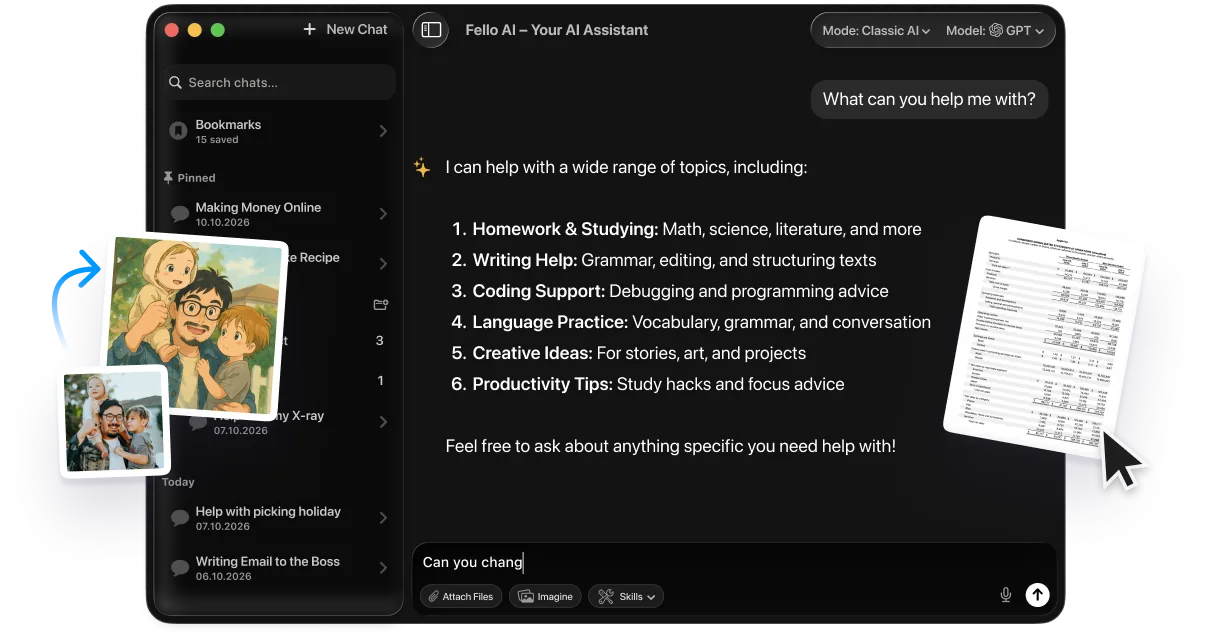
Fello AI is a macOS app that puts the major models in one place, so you are not opening a separate app for each one. It runs the leading models from OpenAI, Anthropic and Google side by side, and it handles documents, PDFs, images, spreadsheets and presentations in the same chat.
It costs $9.99 a month and holds 4.7 stars across 27,000+ reviews. For the work that happens after a voice conversation, which is usually turning the answer into a document or a deck, that single-window setup saves more time than the voice itself does.
Frequently Asked Questions
Is Advanced Voice Mode gone?
No. Advanced Voice Mode is still there, it just is not the default any more. Open Settings > Voice and you can select Live, Advanced or Standard whenever you like. OpenAI kept it for a reason, because Live shipped without video and screen sharing and those two features had to live somewhere.
Which ChatGPT voice mode is best?
For everyday conversation, Live wins, because you can talk over it and it answers without the turn-taking pause. Switch to Advanced when you need to show ChatGPT your camera or your screen, or when you are talking to a custom GPT. Standard is the fallback when the connection is poor.
Do I need to pay for ChatGPT voice mode?
No. Free accounts get GPT-Live-1 mini with a limited allowance in each rolling 24-hour period. Go and Plus get the full GPT-Live-1 model with roughly an hour of Instant intelligence per day, plus a longer allowance on the mini model.
Can ChatGPT voice mode see my screen?
Only in Advanced, and only in the iOS and Android apps. Live does not support video or screen sharing yet. In Advanced you tap the camera button during a voice conversation, or use the more-options menu and pick Share Screen.
Does ChatGPT voice work on a Mac?
Yes. Voice runs in the browser at ChatGPT.com and in the desktop app. On macOS the desktop app goes further, because it lets Voice control your computer through Work or Codex. The browser version cannot do that.
The Bottom Line
ChatGPT voice mode is better than it was, and the upgrade was automatic. Live is the default, it holds a real conversation, and free accounts get a working version of it rather than a demo.
The one thing to do is check Settings > Voice so you know all three options are there. Keep Live for talking, remember that Advanced is still where the camera and screen sharing live, and you have the whole feature rather than the half of it that happens to be switched on.