Chat with any PDF using AI
Upload up to 16 PDFs at once and ask questions across all of them. Get instant summaries, find specific clauses, and extract the answers you need in seconds.
Download FreeFree to start. Mac, iPhone and iPad. Apple silicon.
Three steps to get answers from any PDF
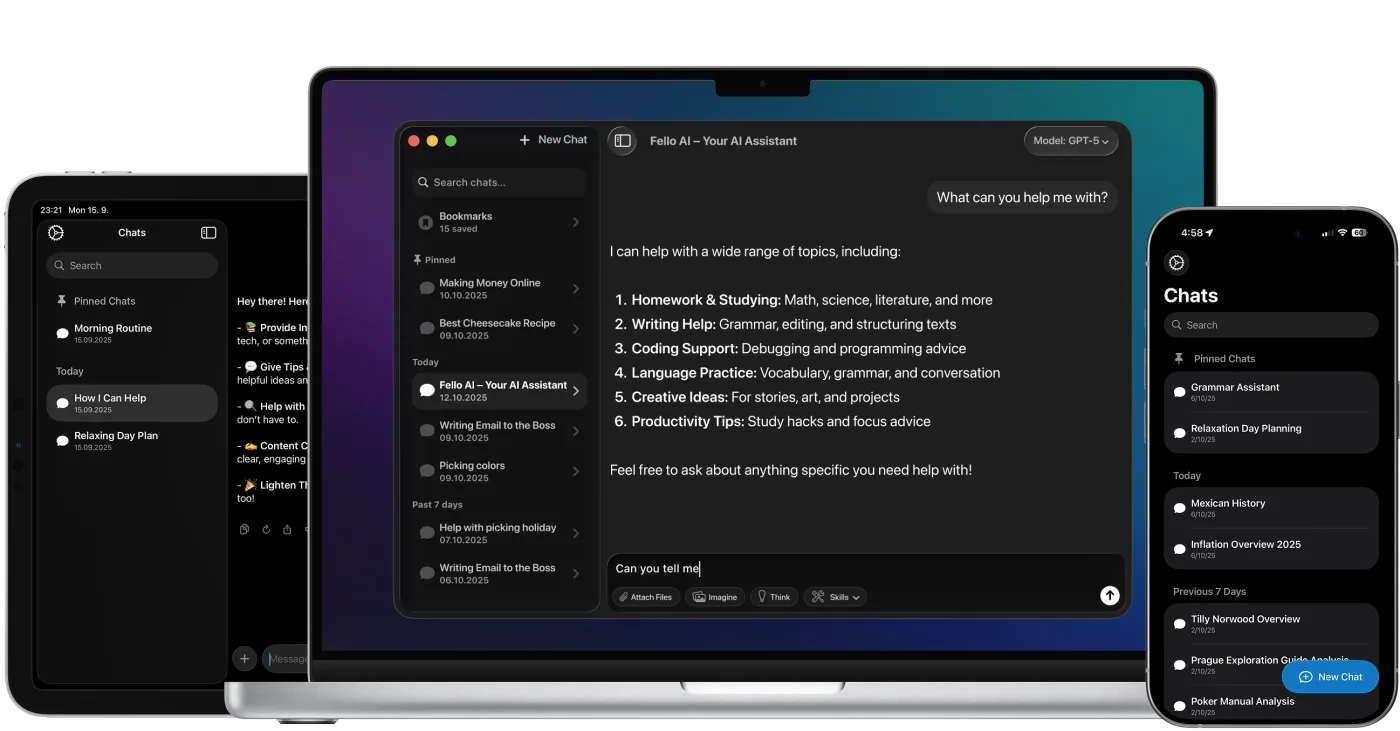
Everything happens inside Fello AI — a free native app for Mac, iPhone, and iPad. No browser, no account required beyond the free download.
Unlike browser-based PDF tools, Fello AI runs natively on your Mac, iPhone, and iPad, so uploads are fast, the interface stays responsive even with large files, and your documents never pass through a third-party web server. The AI model processes the content directly — you choose whether that's ChatGPT, Claude, or Gemini depending on what you need. Claude tends to be strongest for dense legal or technical reading; ChatGPT handles structured data extraction well; Gemini is a solid all-rounder with a large context window for very long documents.
Every answer comes back with the source page numbers highlighted in the sidebar, so you can read the original passage and verify the AI's interpretation before you act on it. That cited-source workflow is what separates AI PDF chat from a plain summariser — you stay in control of the document rather than trusting a black-box output.
More than chat — full document control
Fello AI includes a full set of PDF manipulation tools so you can clean up, restructure, and export documents without leaving the app.
What people use PDF chat for
Stop reading. Start asking.
Upload your first PDF and get answers in under 30 seconds.
4.7 rating·27,000+ reviews·Free to start
Free to start. $9.99/month or $79.99/year for unlimited. Mac, iPhone and iPad.